
Paid advertorial · Independent publisher; not the product provider

A note on keeping recipes

Somewhere Between the Bookmarks Is the Recipe You Actually Cook

A friend sends a link on a Tuesday. You read half of it standing up, leave the tab open so you will not lose it, and by the weekend there are nine tabs like that and no dinner decided.

See How Saving Works

Sponsored content. What a page yields varies by site and by device.

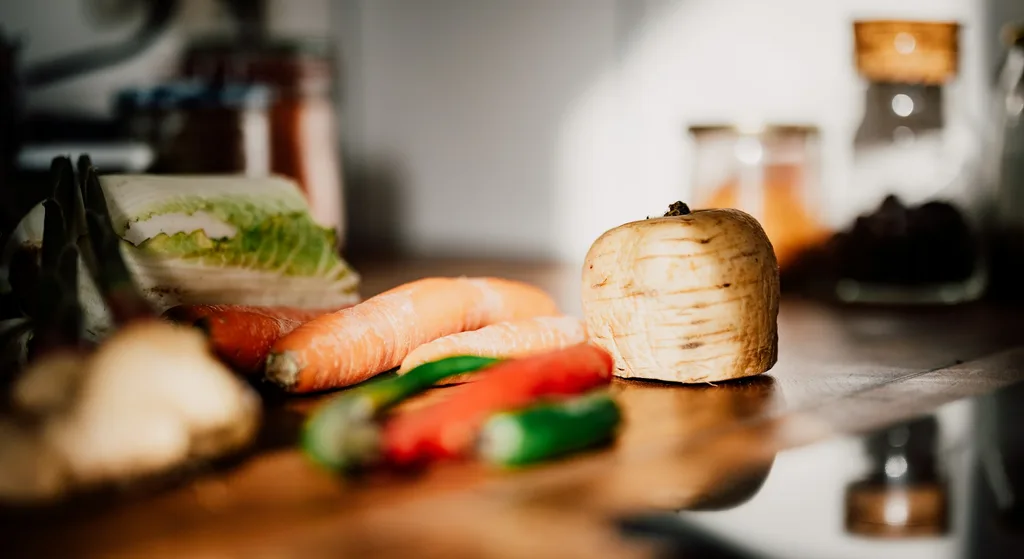
Fresh vegetables including carrots, chillies and a wedge of cabbage arranged on a kitchen counter

The recipes you rely on tend to live in odd corners: a screenshot from a phone call with your mother, a bookmark you named badly, a page you printed once and folded into a drawer. None of it is lost, exactly. It is just not anywhere you can reach on a Wednesday at six.

Cooking from the web is a quiet accumulation. You gather more than you can hold, and the gathering happens in whatever tool is nearest at the time. What follows is a look at why a personal collection tends to scatter, what it means to keep the ingredients and the steps themselves rather than a link to them, and how a recipe organiser called Copy Me That approaches that habit.

How a Kitchen Collection Comes Apart

Nobody sets out to scatter their recipes. It happens one small decision at a time. A page is bookmarked because there is no time to read it properly. A photograph is taken of a magazine on a friend's kitchen table. A tab stays open for three weeks because closing it feels like losing something. Each choice is sensible on its own, and together they produce a collection that exists everywhere and can be consulted nowhere.

The awkward questions arrive later, usually with a bag of vegetables already on the counter. Which version of the traybake did we like, the one with the lemon or the one without? Did I write down that the oven needed twenty minutes longer than the page said? Where was the soup recipe, the good one, the one I have made four times and still cannot remember the ratio for?

A bookmark answers none of that, because a bookmark is an address rather than a thing. It points at a page and trusts that the page will still be there, unchanged, in the same shape, when you arrive. Often it is. Sometimes the layout has moved, the site has been reorganised, the post has been rewritten with different quantities, or the address simply no longer resolves. The recipe you cooked from is not necessarily the recipe you will find waiting.

There is also the matter of what surrounds it. A recipe on the web sits inside a page built for reading rather than for cooking, and reading a page is a different activity from following it with your hands occupied. What you want at the stove is short: the list, the method, and whatever you learned the last time you made it.

What a Cook Wants to Keep Hold Of

Ask people who cook regularly what they actually want from their saved recipes and the answers are modest. They want the ingredients and the steps to be theirs, held somewhere steady, so that finding them again does not depend on anyone else's site staying the same. They want to put a recipe where they will look for it, in categories and tags that match the way they think about food rather than the way a publisher files it.

After that, the wishes get practical. Somewhere to write that the dough needed another handful of flour. A way to serve six on Sunday when the recipe was written for four. A view of the week so the shopping is done once rather than nightly. A list that comes out of the recipes already chosen, grouped so it reads sensibly in a shop. None of this is dramatic. It is simply the difference between a pile of links and a collection you cook from.

A saved recipe is something you hold. A bookmark is only a promise that someone else will keep holding it for you.
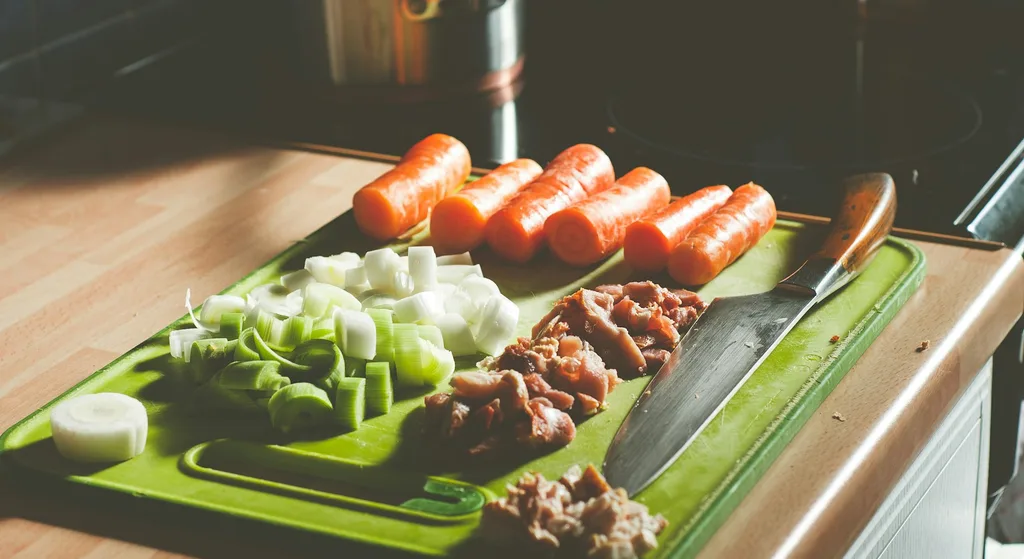
Carrots, chopped leeks and diced meat laid out on a cutting board next to a knife, ready for cooking
An evening at home: the collection reads the same on the phone in one room as it does on a laptop at the kitchen table.

A Closer Look at Copy Me That

It is a recipe organiser rather than a publisher. It does not write recipes or own the pages you find them on. What it does, on supported sites and depending on how a page is built, is take the ingredients, the method and a photo and keep them in a collection that belongs to you.

From there the collection behaves like a cookbook you have assembled yourself: sorted into categories, tagged in your own words, searchable, annotated after cooking, and available through the web app and the mobile app on supported devices. Here is how the main pieces tend to work in practice.

Official Sources Checked

Checked August 11, 2026. The provider controls current features, prices, privacy practices and terms.

Google Play listing

Current feature description, 40-recipe free limit, paid option and English-optimized detection caveat.

Six Parts of Keeping a Collection

Described the way they tend to come up in an ordinary week of cooking, rather than as a list of capabilities.

The ingredients and steps, kept as a copy

This is the heart of it. When a recipe you like is in front of you, saving it typically brings the ingredient list, the method and a photo into your own collection, so the thing you cook from sits with you rather than at an address you have to go back and find.

Categories and tags in your own wording

A collection is only useful if you can guess where you put something. Saved recipes can be filed into categories and tagged however you actually think about food: quick, the one with the lemon, things the children eat, autumn. The filing is yours, not a publisher's.

A search box that only looks at your shelf

Searching the web for a recipe returns everything. Searching your own collection returns the version you already decided you liked, which is usually the one you were after. It is a small difference that changes how quickly an evening starts.

Notes written after you have cooked it

A saved recipe can be edited, which is where a collection starts to sound like you. The extra ten minutes in the oven, the swap that worked, the fact that half the sugar was plenty: those adjustments live on the recipe itself, ready the next time you make it.

The week assigned, the shopping written down

Recipes from the collection can be set against particular days, and a shopping list can be generated from whichever ones you select, grouped so it reads sensibly in a shop. The planning and the buying come out of the same place as the cooking.

The same shelf at the desk and at the counter

It works through the web app and the mobile app on supported devices, with a browser add-on for saving as you read. Quantities can be scaled up or down for a different number of servings, so a recipe written for four can be cooked for six without arithmetic on the back of an envelope.

What to Check Before You Choose

Plan limits, material caveats and provider-controlled terms worth verifying before you create an account or rely on the service.

Free recipe limit

The current app listings say the free version includes the feature set but is limited to 40 recipes. Users who need more must choose a paid option.

Current paid option

The provider currently advertises unlimited recipes for $0.99 per month, with one membership across a user’s devices. Verify the live price and billing terms before subscribing.

Website compatibility

Recipe detection depends on how the source page is built and may require editing. The provider says detection is currently optimized for English.

Source and ownership

Saving a recipe does not transfer ownership of the original text or images. Keep source links and follow the publisher’s terms when storing, sharing or exporting material.

Account and synchronization

Recipes, notes, meal plans and shopping lists are tied to an account and may be accessed across supported devices. Check current platform requirements before relying on a particular device.

Exports and backups

The provider says recipes belong to the user and can be exported. Confirm the available export format and keep an independent backup if the collection is important.

These are factual evaluation points, not user reviews or promised outcomes. Features, prices and terms can change; check the linked provider sources for the current position.

From an Open Tab to Something on the Table

The habit usually settles into this shape within a week or two of starting.

  1. Set up an account and add it to your browser

    The collection lives with your account, and the browser add-on is what lets you save without leaving the page you are reading.

  2. Save the recipe while it is in front of you

    On supported sites this typically brings across the ingredients, the method and a photo, depending on how the page is put together.

  3. Put it where you will look for it

    Give it a category and a tag or two in your own wording, so that finding it later is a guess you will get right.

  4. Adjust the servings, then write down what happened

    Scale the quantities for the number of people eating, and after cooking add a note about anything you would do differently.

  5. Plan the days and take the list with you

    Assign recipes to days of the week, then generate a shopping list from the ones you chose and do the buying in one go.

Steps describe a typical setup. Wording, screen order and how much of a page is captured depend on the site you are saving from, your device and the version of the app you are using.

Kitchens Where This Tends to Settle In

A recipe organiser earns its place for anyone whose cooking has outgrown the folder they were keeping it in.

Everyday weeknight cooks

People with a dozen dishes in rotation who would like all twelve within reach on an ordinary Tuesday.

Weekend bakers

Anyone who works from ratios and wants last time's adjustments written on the recipe rather than remembered.

Households who share the cooking

Homes where more than one person cooks and everyone needs to reach the same version of the same recipe.

Cooks with a narrow evening

People home at seven with forty minutes, who would rather not spend ten of them deciding.

Shoppers who go once a week

Anyone who plans the week first and would like the list to come out of the recipes rather than memory.

Collectors of things to try

Anyone who saves far more recipes than they cook and wants one steady place to keep them all.

Regular weeknight cooks and weekend bakers tend to notice the difference first, as do households where more than one person cooks and everybody needs the same version of the same dish. Cooks with a short evening window usually come for the search and stay for the notes.

More broadly, it suits anyone who has quietly gathered more recipes than they can hold and would like one steady place for them. One honest caveat: how cleanly a recipe comes across depends on the page it came from, so some saves are tidy and some want a minute of editing afterwards.

Worth Thinking About Before You Start Saving

Before building a collection in any recipe organiser, a handful of practical points are worth weighing:

  • how cleanly it reads the sites you cook from
  • whether a saved recipe keeps its photo as well as its text
  • how far its categories and tags bend to your own habits
  • whether the collection travels between the devices you use
  • how meal plans and shopping lists fit the way you shop
  • the 40-recipe free limit and current paid option
  • and where the original publisher's terms still apply

One thing is worth keeping in view throughout. The recipes belong to the people who wrote them, and a personal collection is for your own cooking rather than for republishing. Pages change, get rewritten or move, which is part of why holding your own copy is useful, and equally why it is fair to go back to the source when you want the full article around it.

What the Organiser Covers, and What Does Not Belong to It

A recipe organiser sits alongside the sites you cook from rather than standing in for them. Here is the split.

Inside the collection

Copy Me That

Free up to 40 recipesThe provider currently advertises $0.99 per month for unlimited recipes; verify live terms

  • Ingredients, steps and a photo kept as your own copy
  • Categories, tags and a search across your collection
  • Your own notes and adjustments on any saved recipe
  • Meal plans by day and a grouped shopping list
  • Serving quantities scaled up or down
See How Saving Works

Outside the collection

The sites you save from

Set by each publisherThe original pages keep their own content, terms and any charges

  • It does not write or publish the recipes you keep
  • It does not change a publisher's terms or membership walls
  • It cannot read every page in the same way
  • It does not keep the article, the comments or the video around a recipe
  • It keeps your copy, your notes and your lists together in one collection

Copy Me That’s current app listings describe a free tier limited to 40 recipes and a paid unlimited option; the recipes themselves come from other people's pages, which keep their own content, terms and any charges. Which sites are read cleanly, which features appear and what any paid option includes are determined by Copy Me That and can change at any time. Always confirm current features and terms on the official website before signing up. This page may earn a commission from purchases made through its links.

Frequently Asked Questions

The questions that come up most often before anyone starts keeping recipes this way.

What is Copy Me That?

It is a recipe saving and organising service. When you come across a recipe on a web page, it typically keeps the ingredients, the steps and a photo in a collection of your own, reached through the web app or the mobile app.

Does it keep the recipe itself or only a link?

It keeps a copy in your collection, so the ingredients and the method stay with you rather than living only at an address that may change. How much of a page it reads depends on how that page is built.

Can I organise and search what I have saved?

Yes. Saved recipes can be filed into categories and given tags in your own wording, and you can search your own collection rather than the whole web.

Can I add my own notes to a saved recipe?

Yes. A saved recipe can be edited, so the adjustments you made and the things you want to remember for next time sit alongside the original method.

Does it help with planning the week?

It includes meal planning, so recipes from your collection can be assigned to particular days and the week can be read in one place.

Can it build a shopping list?

Yes. A shopping list can be generated from the recipes you select, grouped so that it reads sensibly while you are walking round a shop.

What does it cost to use?

The current app listings describe a free tier limited to 40 recipes and a paid option for unlimited recipes, currently advertised at $0.99 per month. Verify the live price and billing terms.

Which devices does it work on?

It works through the web app and the mobile app on supported devices, with a browser add-on for saving as you read. Which features appear can differ between versions.

A Collection That Grows the Way You Cook

An evening in the kitchen is better spent deciding what you feel like eating than retracing where you put the recipe. The looking was never meant to be the part that takes the time.

Copy Me That combines saved recipes, categories, tags, notes, meal planning and shopping lists in an account available on supported devices. Recipe detection varies by source page and is optimized for English, and the free version is currently limited to 40 recipes.

Get the App

Paid advertorial from zentorapod.com, an independent publisher operated by Entre AS and not by Copy Me That or its provider. This sponsored link leads to the official product destination, and Entre AS may receive compensation if you act after following it. We do not develop, sell, bill or support Copy Me That. Features, prices, privacy practices and results can change. Verify the current provider terms before creating an account, subscribing or relying on the service. See our Advertising Disclaimer and Privacy Policy.